
Support Password

If you've reached out to support and we need admin access to resolve an issue, please fill out this form to set us up with admin access. You are submitting this information securely over HTTPS.

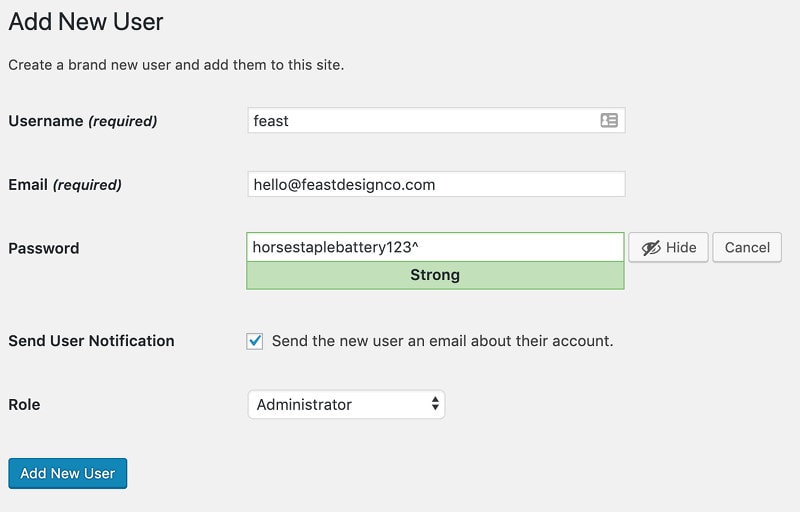
Please create a brand new account (using the email address hello@feastdesignco.com) for us to perform this work, which you should delete after it's finished, for security reasons. Never send anyone your main account password.

Here's a tutorial from Yoast on how to create a new admin user: Add a new admin user.

We require this to tie it to your support ticket.
What is the login URL of the admin? This is your WordPress admin URL, not your hosting account URL.
What's the email address you created the admin account under? This should be hello@feastdesignco.com. The account must have full administrative privileges.
What is the password associated with this admin account? We will copy+paste this, so please make sure it is accurate.
For security reasons, you must delete this account once the work has been completed.
We will be working on your site live, and due to your configurations, may run into unexpected errors. You must have a working backup of your site that you can restore through your host if anything happens.

Example:

Note:

  • You will want to delete this user account once we have completed the support ticket
  • We'll need full admin access under the user privileges