

Setup Search Console Access
We may require access to your Google Search Console in some situations to troubleshoot issues, or perform certain tasks.
Jump to:
Video
Instructions
To grant us access:
Go to Google Search Console
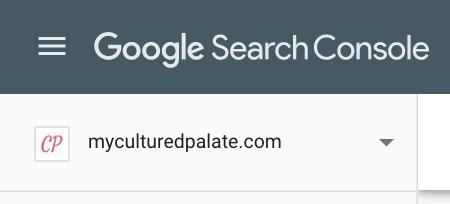
Make sure the correct property is selected in the top-left
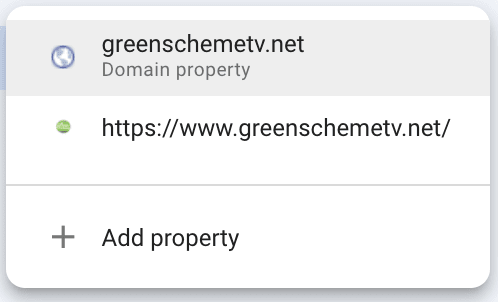
Note: ideally, you've set up the "domain property" for Search Console and that's what we should be working with, otherwise you likely have the "HTTPS" version.
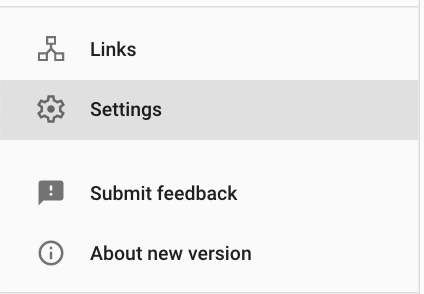
Navigate to "Settings" in the bottom of the left-side bar
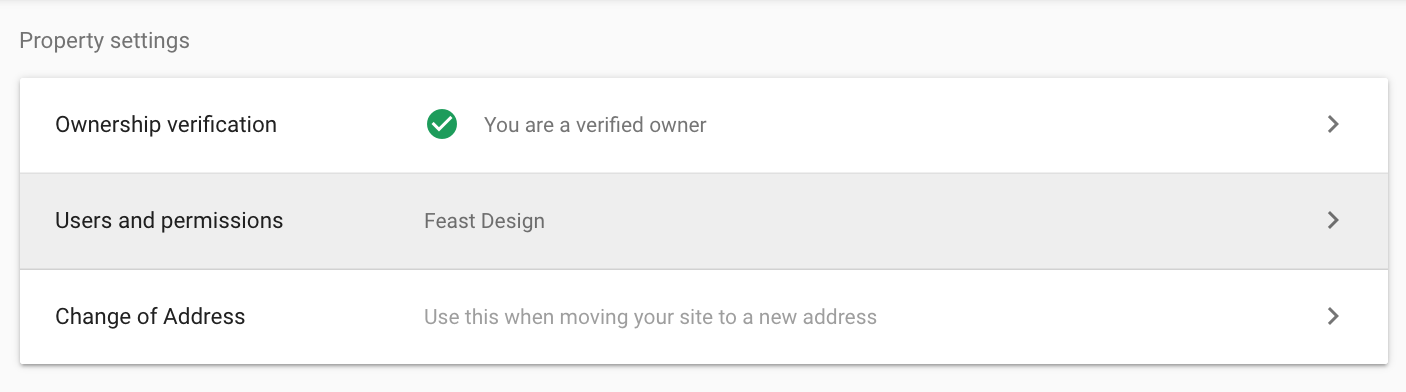
Select "Users and Permissions"
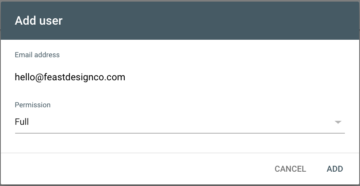
Click "Add User" in the top-right

Add "hello@feastdesignco.com"
We'll be automatically notified when this has been completed!