

Inline subscribe
This is currently in development and not ready for use.
This tutorial features the Feast Plugin, which enhances and extends your theme to improve SEO, pagespeed, accessibility and user experience.
The inline subscribe lets you embed a newsletter subscription form dynamically into your content, without having to edit every post.
Create the form
Create a regular WordPress page with the slug "inline-subscribe", and save it as a private post.
We recommend using the javascript embed code provided by your newsletter provider.
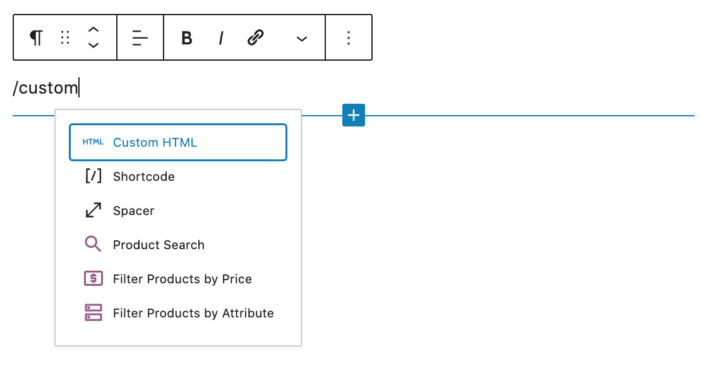
To do this, insert a new "Custom HTML" block and paste the code into that, then hit save.
Note that most pageviews happen on mobile devices and so you should check the the form displays well on mobile.
Placement
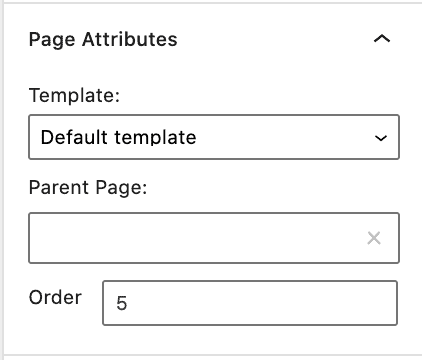
The form is automatically inserted after the 5th paragraph. This gives the reader some opportunity to see your photos and content and
You can modify the placement by changing the "order" field under Page Attributes.
WP Rocket Delay JS
This works with WP Rocket's Delay Javascript, because the form will not be displayed above the fold, and can therefore be safely loaded after user interaction.
Styling
The form is wrapped in default styling, and can be modified to match your site's design.
Still not resolved for me. I played around with it to see if I missed something or could figure it out but decided to wait for a future release to see if it gets fixed. I like this feature.