

Featured Recipe Pattern
Featured Recipe Pattern
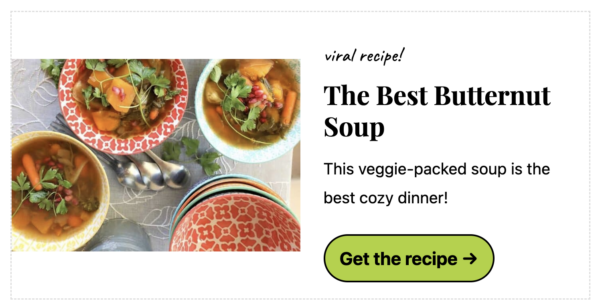
In the Block Editor > [+] > Patterns > Feast Patterns > Featured Recipe Pattern you'll find a pre-defined layout for featuring a specific recipe:

What it looks like in action with Feast+:
Media Text Styling
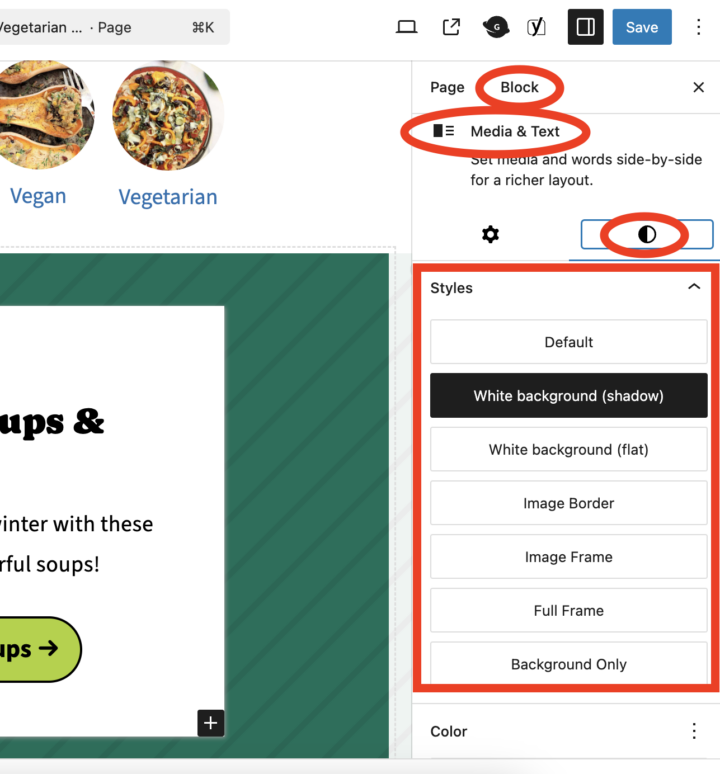
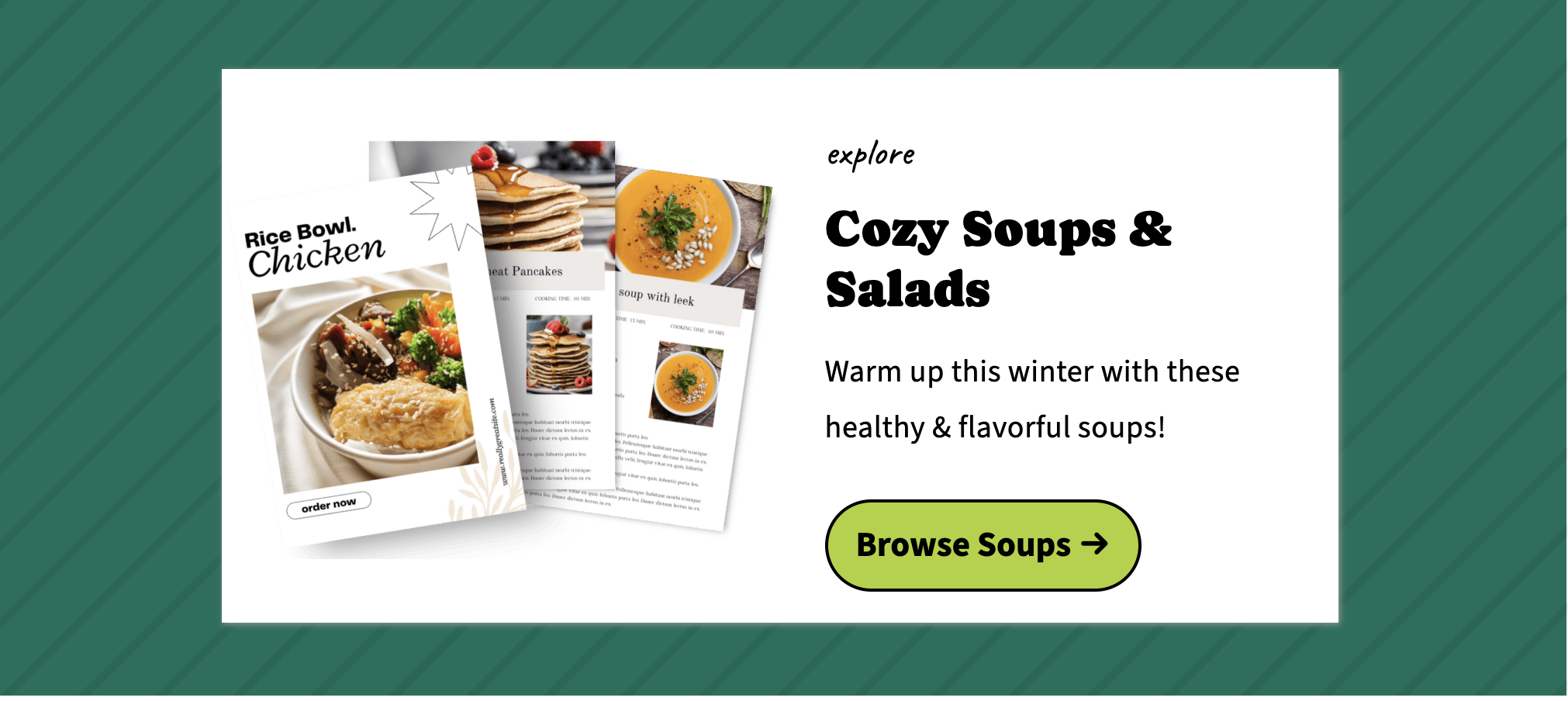
You can click inside the Media + Text box to style it further to add borders and backgrounds. This can help the text box to stand out from the background when the Feast Full Width style is applied.
What it looks like in action:
Clickable Featured Recipe
Once you insert the Featured Recipe Pattern, you can select the image and insert a hyperlink to the recipe:
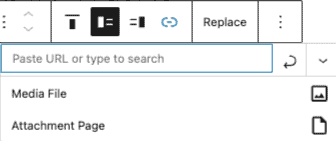
Do not link to the media file or attachment page. Only link to your post.