

How I Built This Site
We’ve created a pre-built Affiliate Page template to help you highlight the tools and programs you use to run your site. This template allows you to share your blogging expertise while directing affiliate sales.
Creating the Affiliate Page
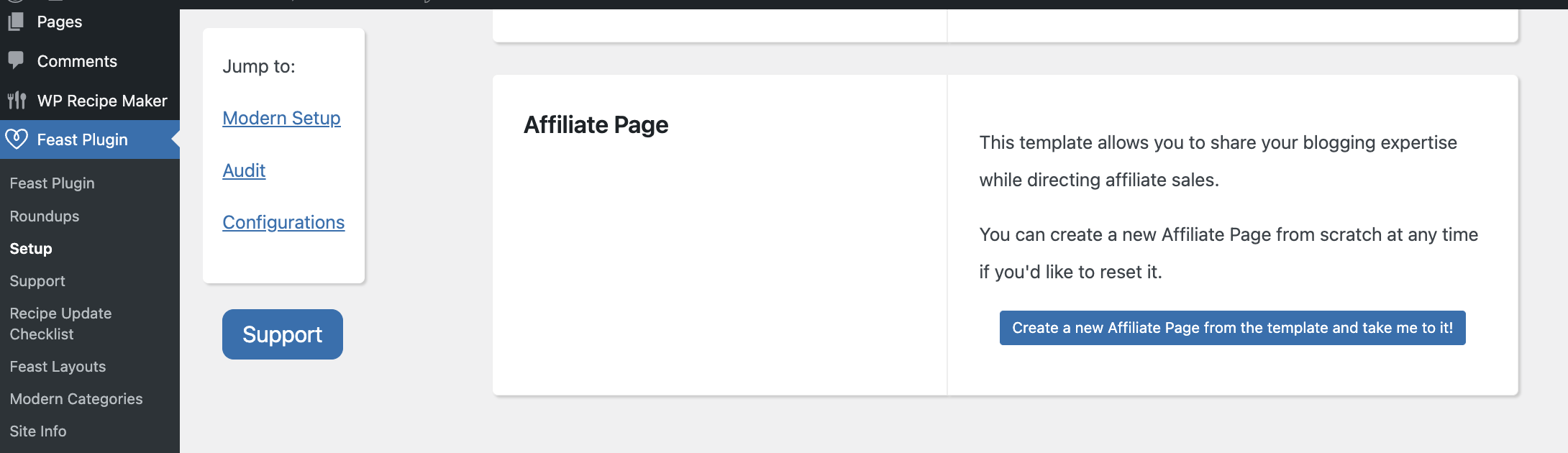
To create, go to: Feast Plugin > Setup > Affiliate Page > click "Create a new Modern Affiliate Page from the template and take me to it!
Inserting Images
You can insert your own images, or use some of our starter images.
To download, right click on the images below and save to your desktop. You can then upload these to your own media library.
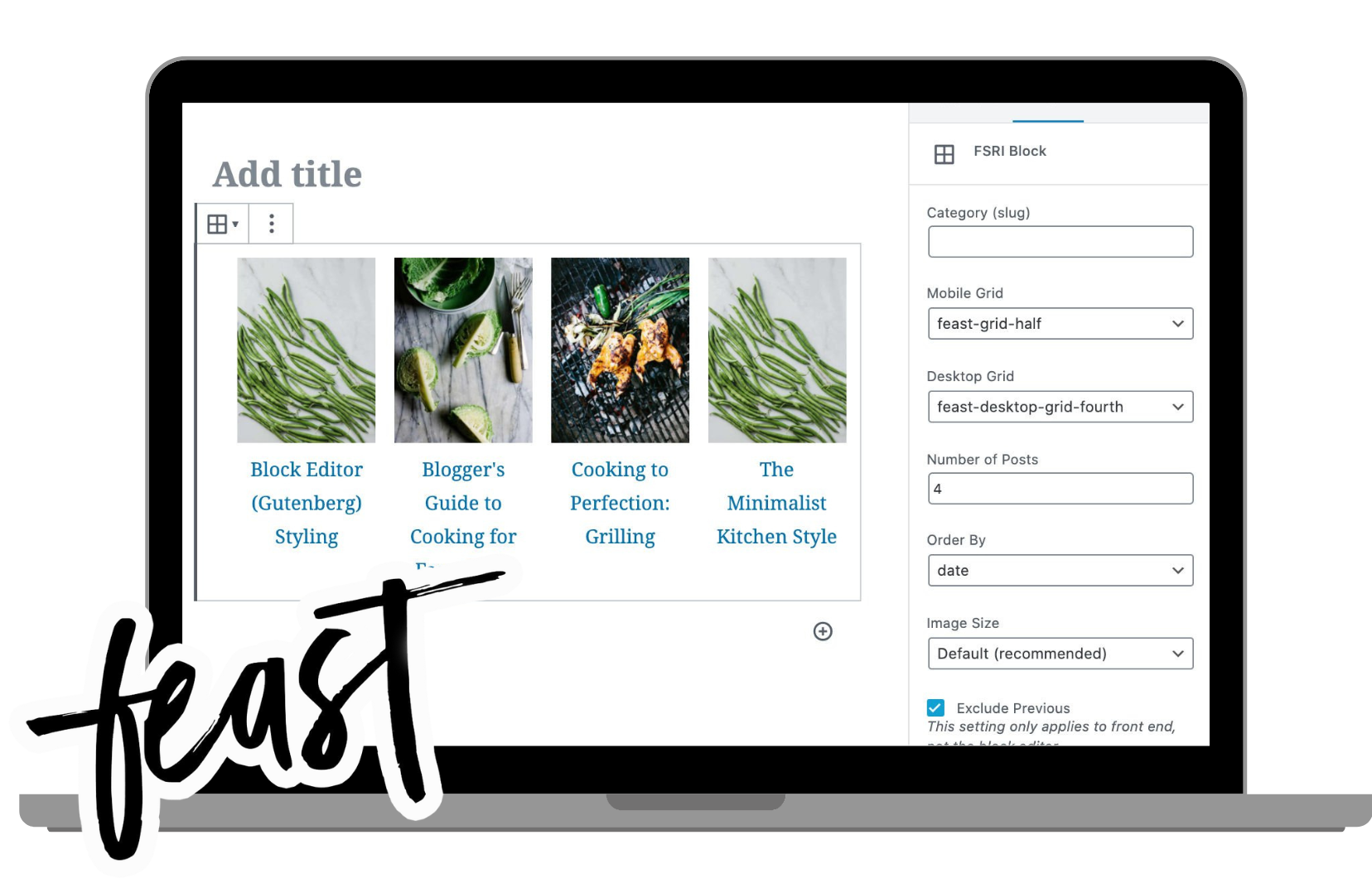
Feast Plugin
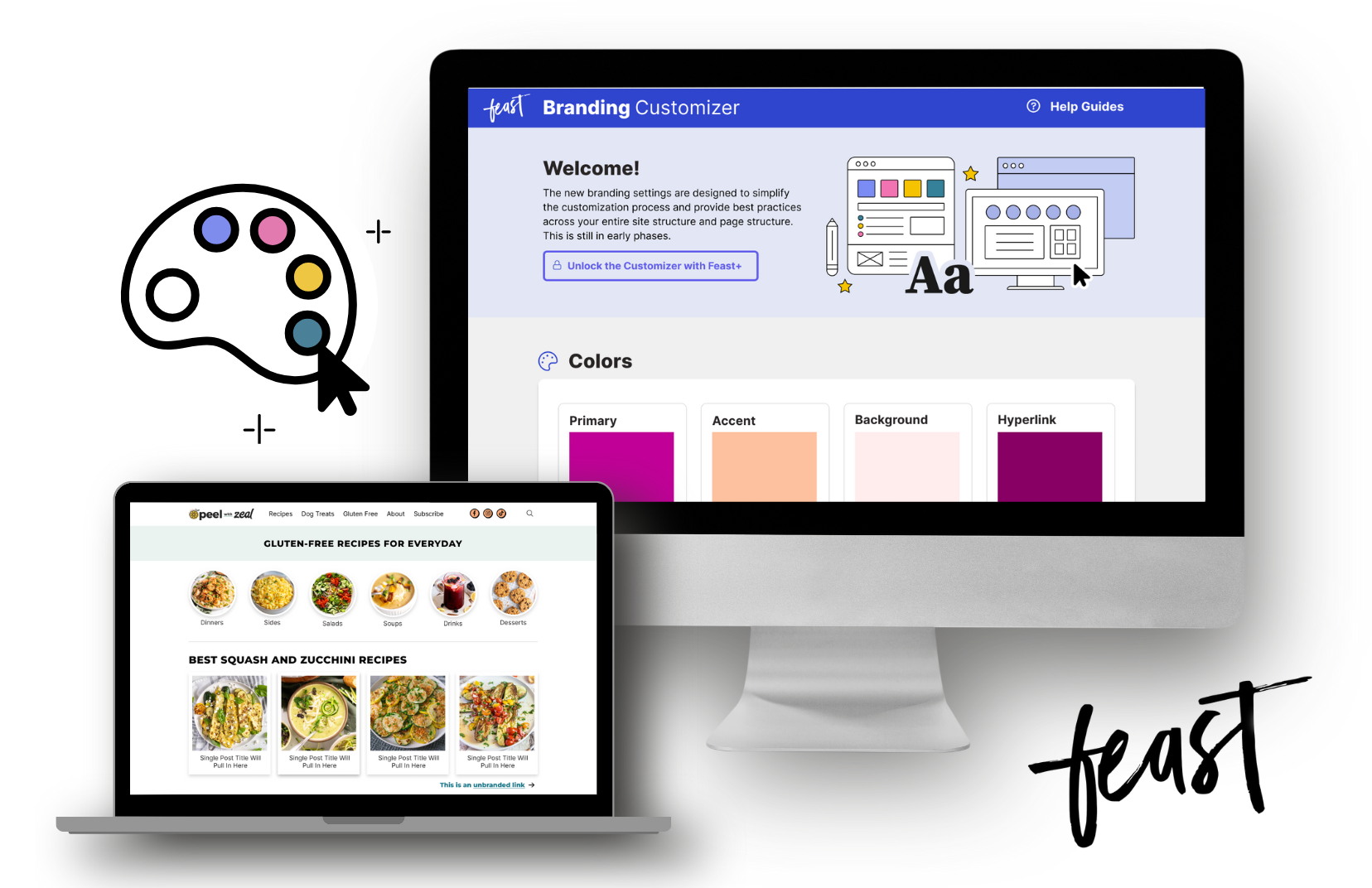
Feast+

Bigscoots
Kit (Convertkit)
WPRM

Food Blogger Pro

RankIQ
Namecheap
If you need to create more, you can use this Canva template.
Example Page
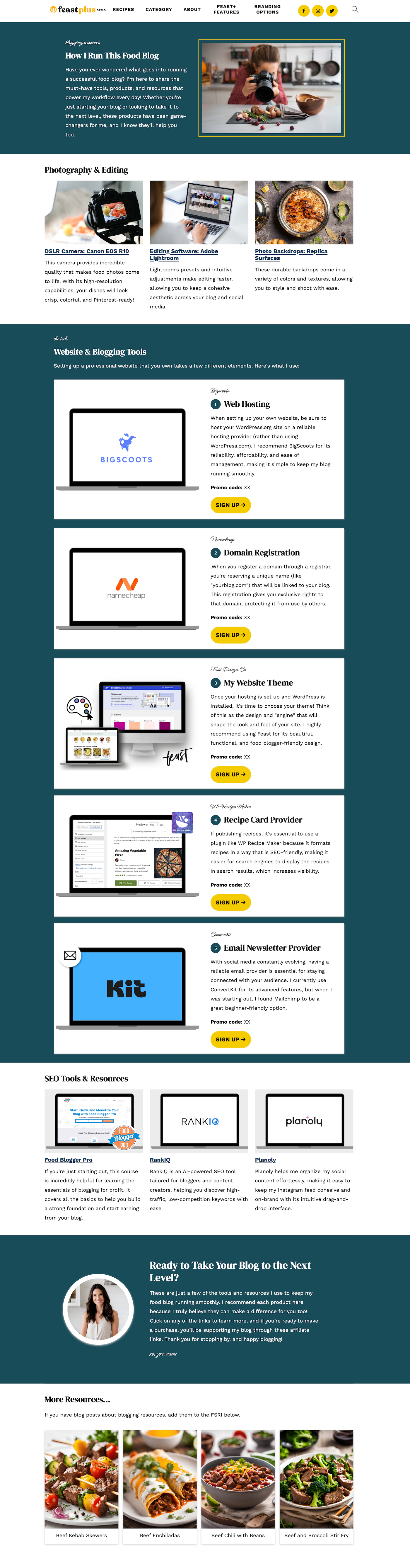
You can view a demo of the Affiliate Page on our Feast+ demo site. Use it as a guide to see where to place the images above and to help you build your own page.
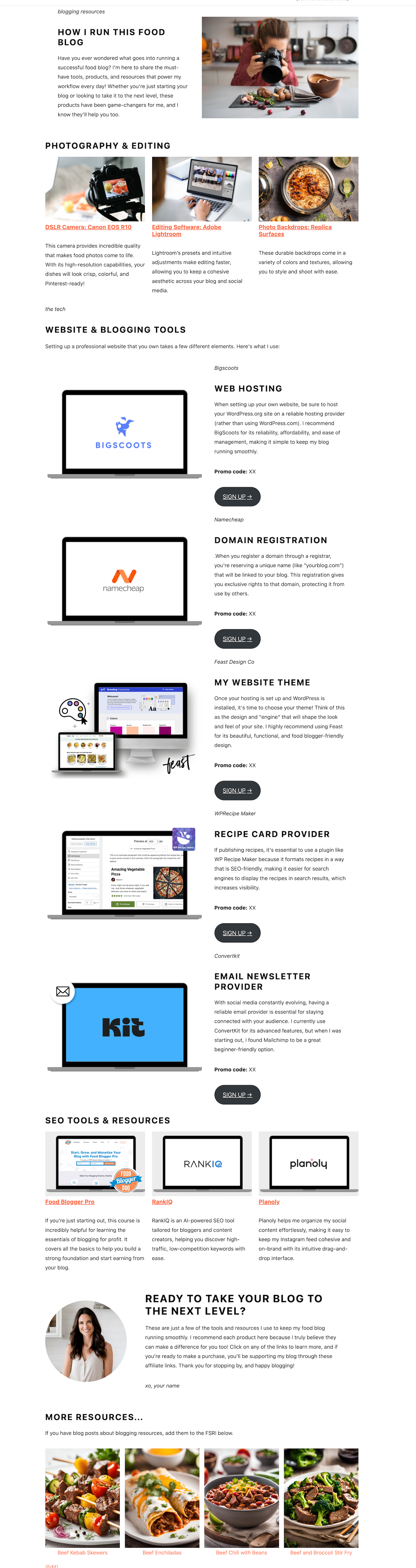
Below is a visual on how the affiliate page template will look whether you are on the Feast Plugin or Feast+.
Join the Feast Affiliate Program
You can log into your Feast account and apply for the Feast affiliate program here.