

Image unlink
You don't want to be linking images to themselves because:
- it's a bad user experience because people may accidentally click the image and be taken to the image, which is not what they're on that page for
- it's bad SEO because it links to zero/low-value pages (an image)
- it creates crawling issues
- takes the user away from your content and ads, which reduces your income
Fix
Enable the Remove image self-links on posts setting in the Feast Plugin to automatically remove links to image files.

Free
To do this, use the Broken Link Checker plugin and let it index your links (this can take hours or days).
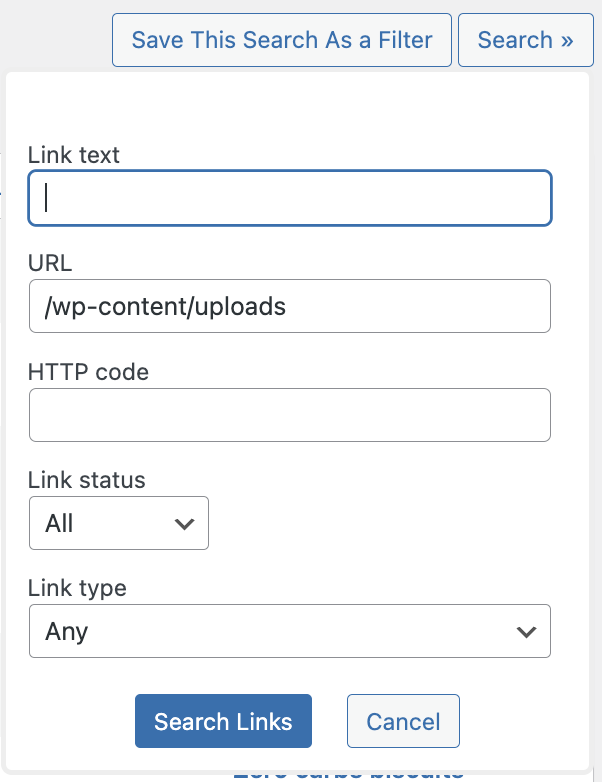
Then navigate to Admin > Broken Link Checker > Local [old] > Search and type in /wp-content/uploads to find links to uploads (typically images):
Then watch the video below:
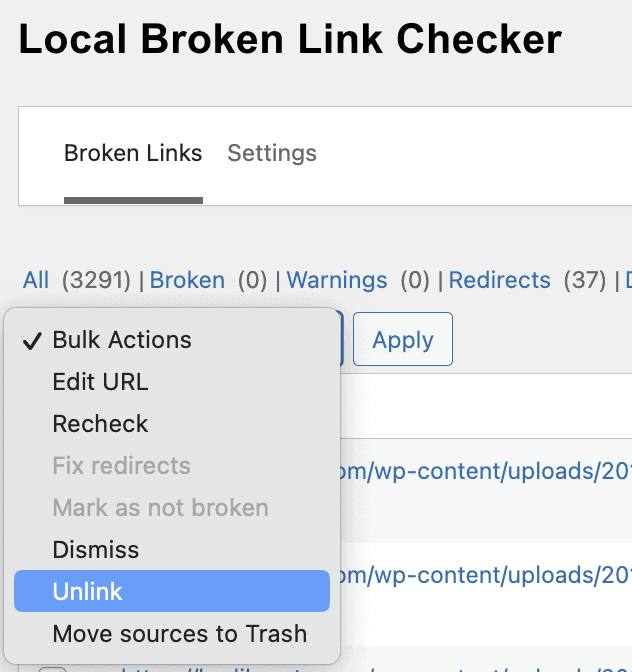
Note that this will also catch links in images you may want to keep, so watch the Source field for the post your unlinking from.