

Subscribe button
This is for the Modern Menu on Genesis. See the Kadence Tutorials for editing the Kadence menus.
This tutorial features the Feast Plugin, which enhances and extends your theme to improve SEO, pagespeed, accessibility and user experience.
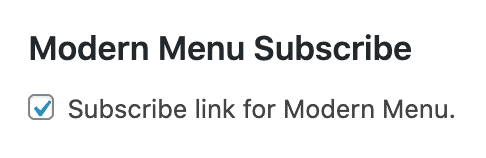
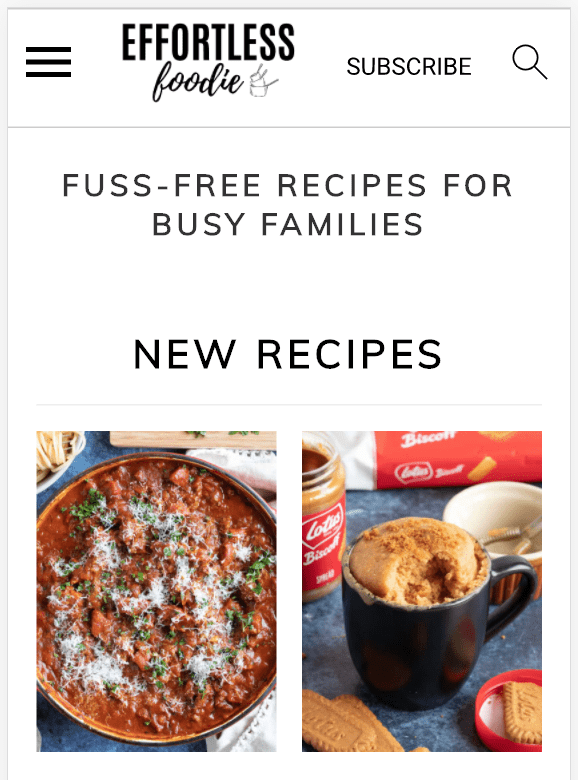
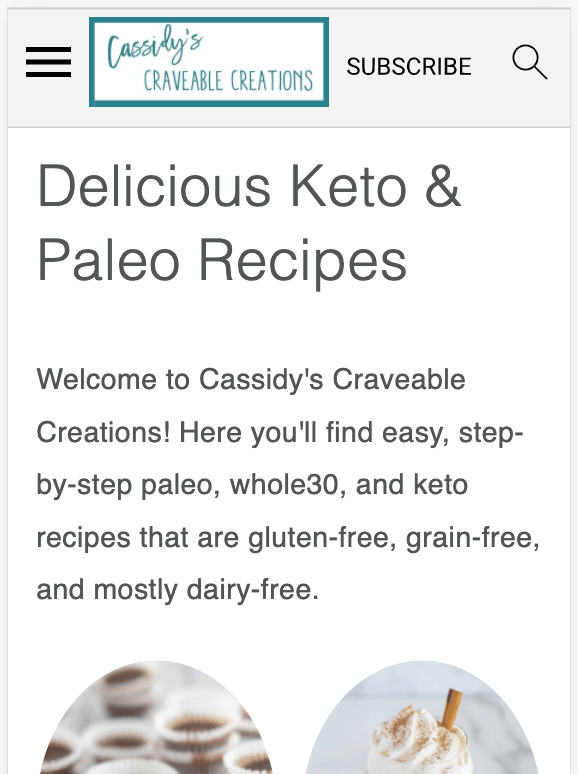
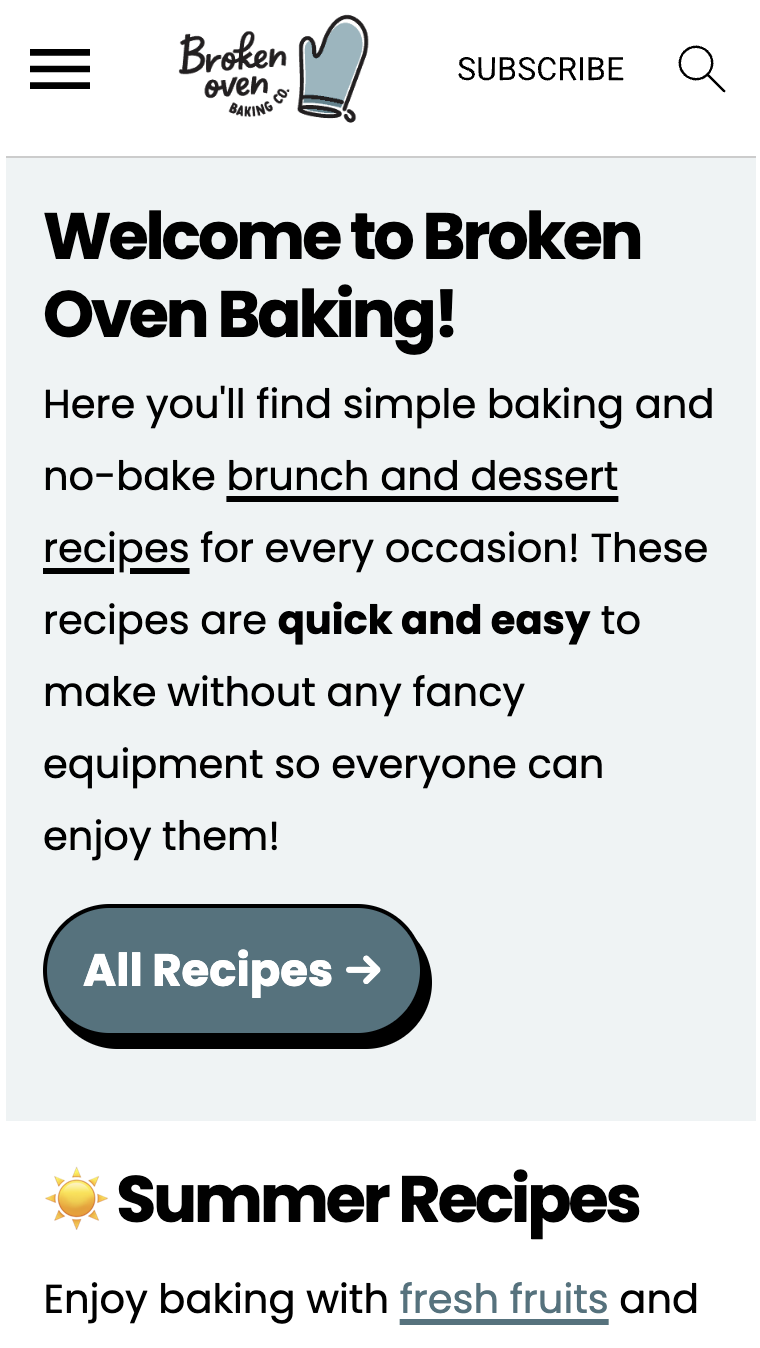
The Modern Menu integrates a "Subscribe" button that provides a call-to-action for readers to sign up for your newsletter the entire time they're on your site.
This allows you to:
- increase pagespeed by removing javascript provided by newsletter providers from every page on your site
- improve accessibility by removing forms that lack proper headings and form labels
- improve CLS by preventing forms from forcing the browser to re-render the page when it loads
- improve user experience by removing annoying pop overs
- only load javascript on a single page, reducing potential javascript conflicts
- provide a better user experience, giving them a subscribe button when they want to subscribe, not at an intrusive point in your content
See the rethinking the newsletter post for further details.
Jump to:
Examples


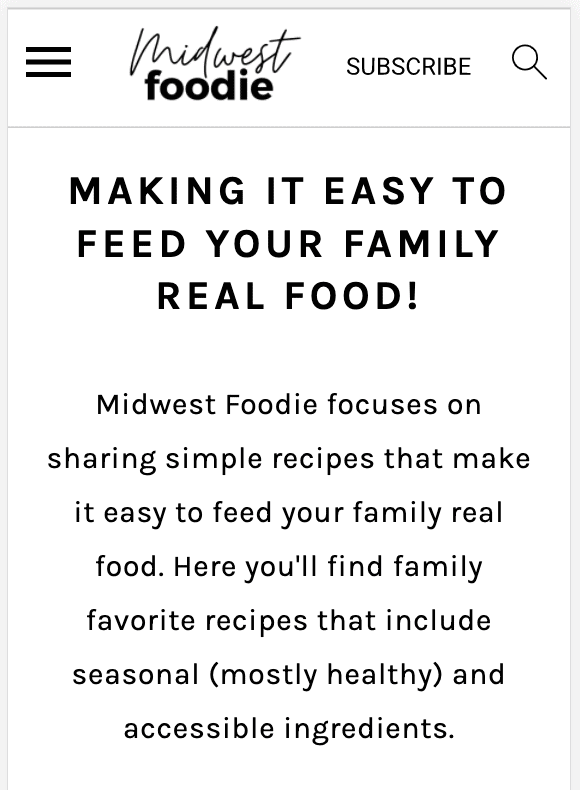
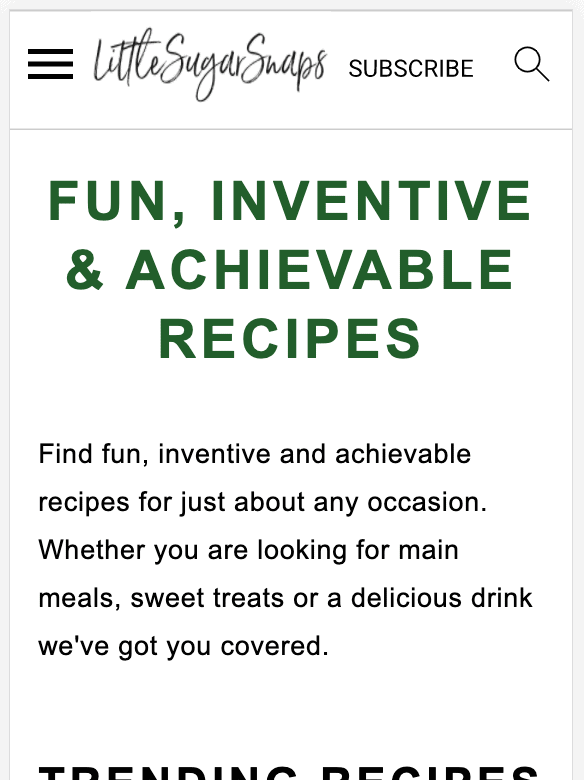
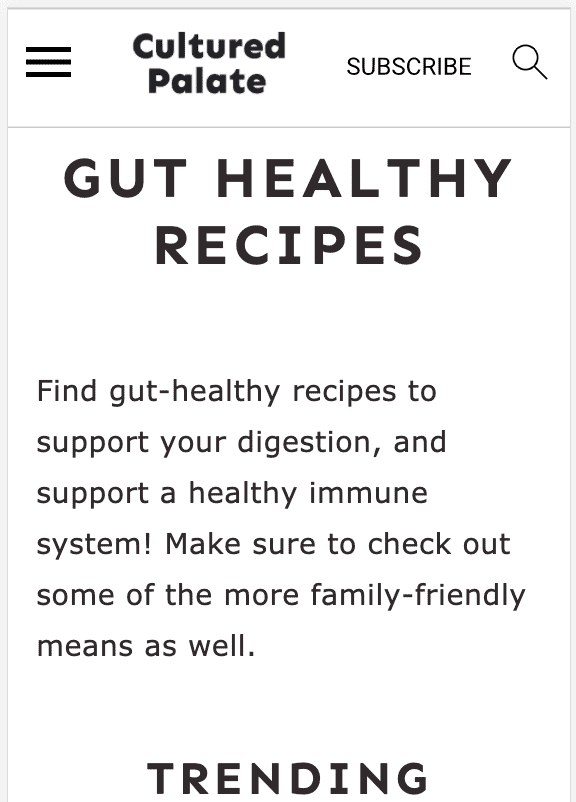
Subscribe URL
The subscribe button is hardcoded to point to a page with the slug "/subscribe/". This page must be manually created like a normal page (title = "subscribe"). See this video:
If you want to use a different URL or redirect to an off-site form (not recommended), you'll want to create a 301 redirect using Yoast.
Grow.me
If you have the Grow plugin from Mediavine, you have the option to implement their click-to-subscribe feature.
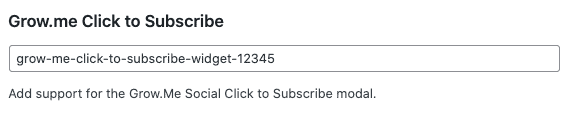
This only appears if the plugin is active.
How do I connect the Subscribe button to a form action? When I check the box, it adds it to my mobile menu, but then I get a 404 error if I click on it and I'm not seeing where I'm supposed to put in the form action link.
You simply create a page with the slug "subscribe" and embed your form into that page.
How do I translate the 'subscribe' button to danish?
This will be available in version 5.6.2, we've added a "Translation" section above.
Perfect! Thank you for a quick response 🙂
How do I connect the subscribe button to a landing page in mailchimp?
Create a 301 from the /subscribe/ page to the Mailchimp landing page.
But we don't recommed this - instead, embed the Mailchimp form directly onto the /subscribe/ page so that readers stay on your site.
Hello 🙂
I'm not sure if this is a common error or not. I created the subscribe page and embedded my ConvertKit form, but when I click on the subscribe button I'm taken to an Index page instead. If you have any recommendations/suggestions on how to fix this, I would greatly appreciate it.
Burney