

Subscribe button
This tutorial features the Feast Plugin, which enhances and extends your theme to improve SEO, pagespeed, accessibility and user experience.
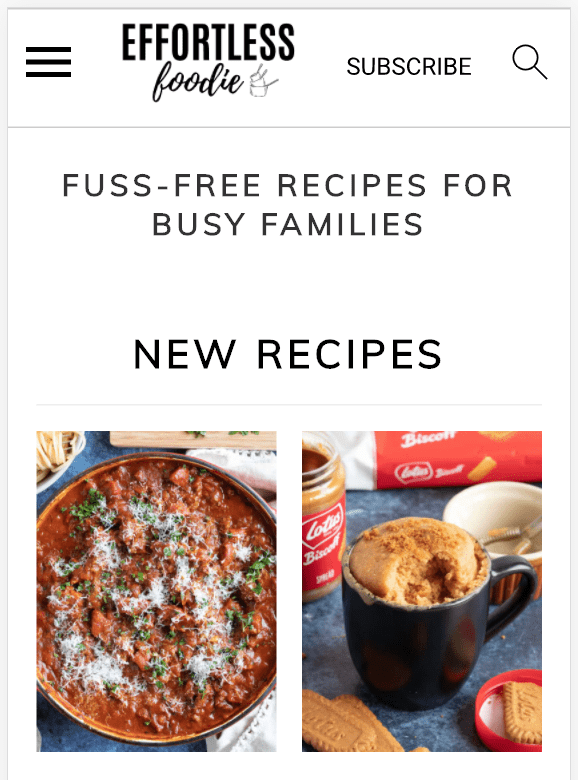
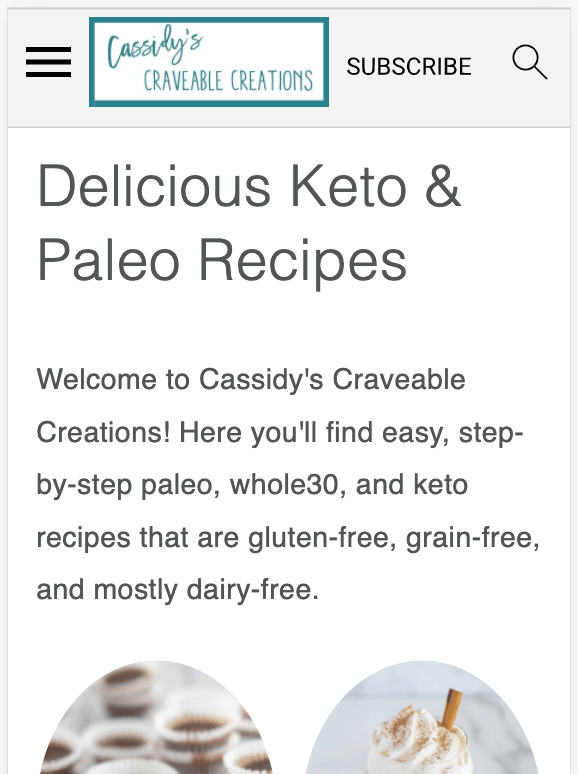
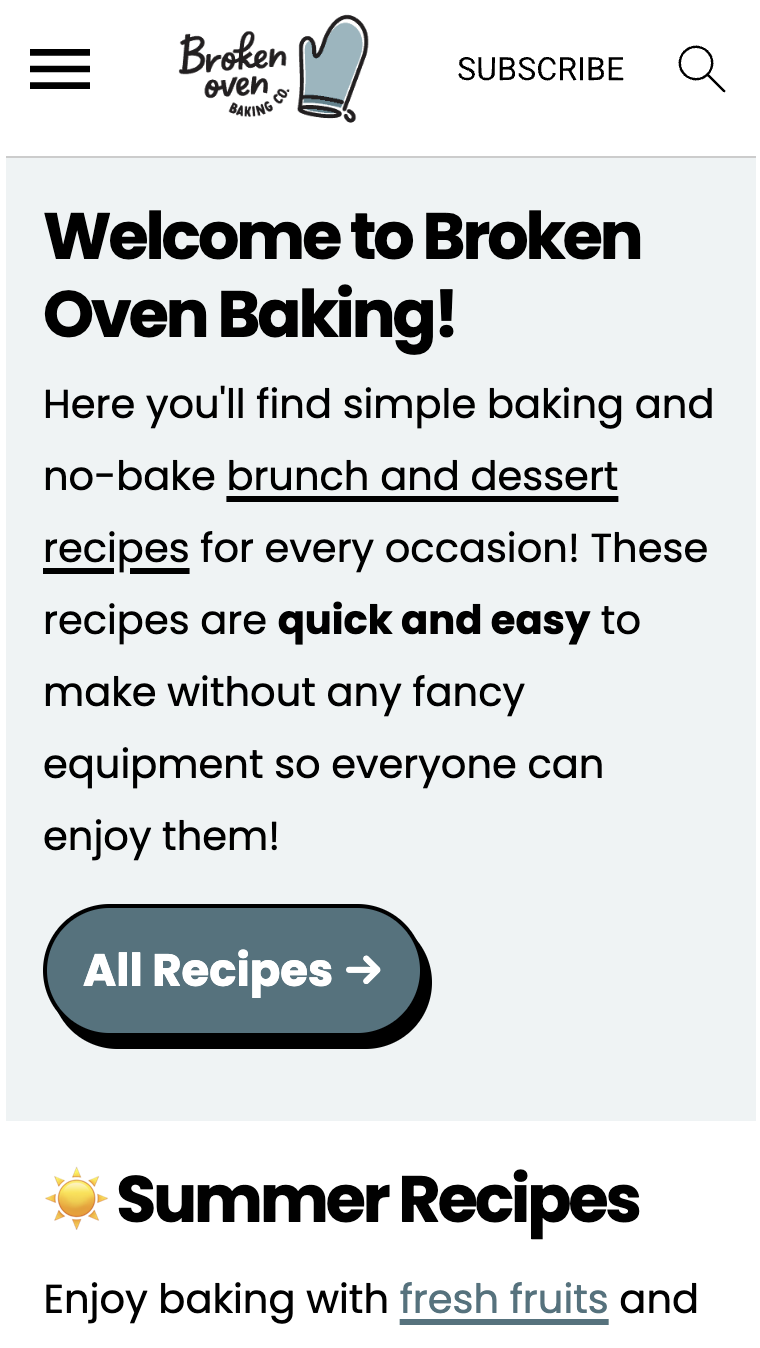
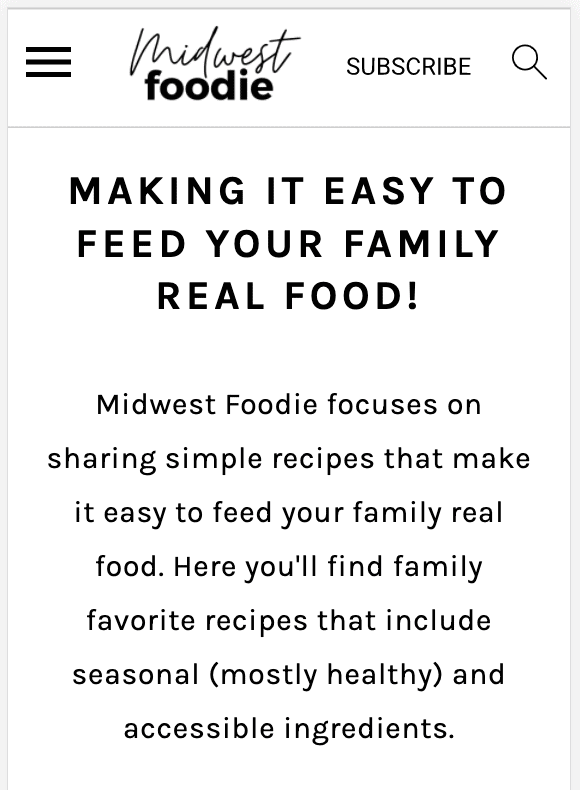
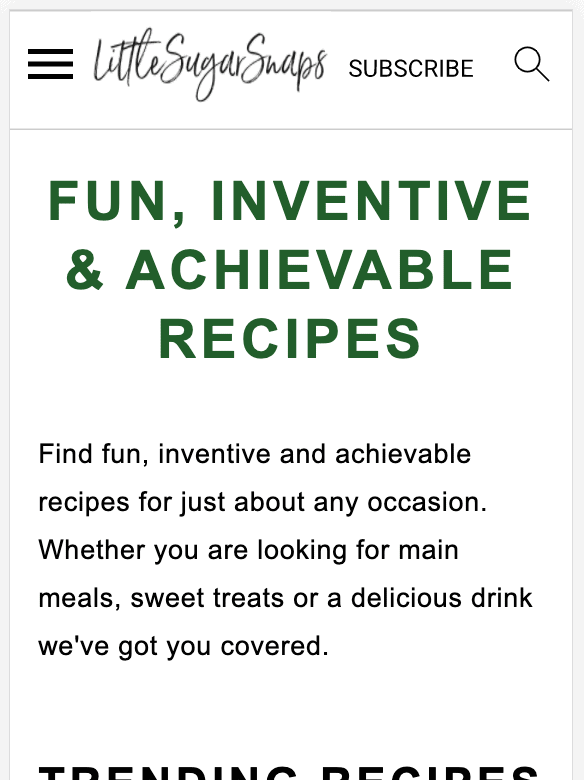
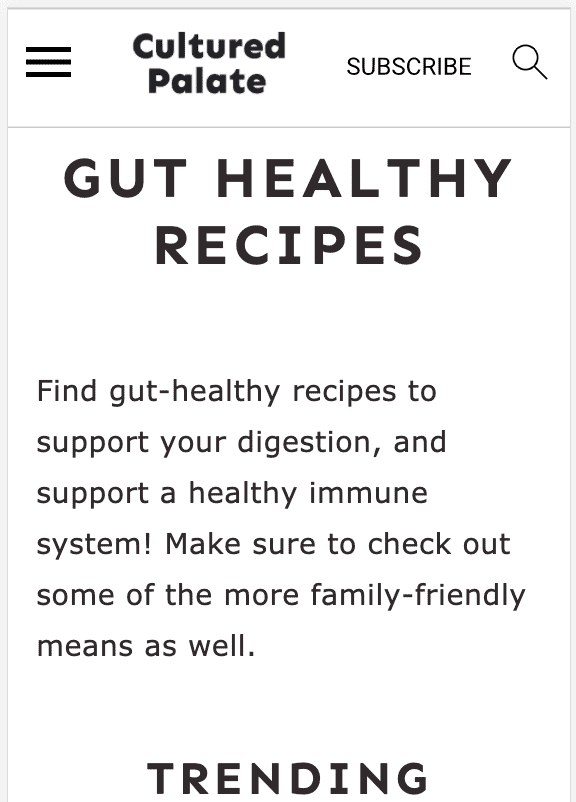
The Modern Menu integrates a "Subscribe" button that provides a call-to-action for readers to sign up for your newsletter the entire time they're on your site.
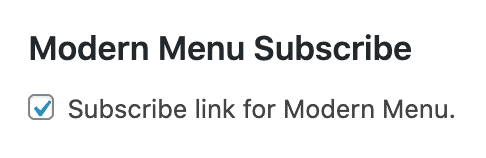
This allows you to:
- increase pagespeed by removing javascript provided by newsletter providers from every page on your site
- improve accessibility by removing forms that lack proper headings and form labels
- improve CLS by preventing forms from forcing the browser to re-render the page when it loads
- improve user experience by removing annoying pop overs
- only load javascript on a single page, reducing potential javascript conflicts
- provide a better user experience, giving them a subscribe button when they want to subscribe, not at an intrusive point in your content
See the rethinking the newsletter post for further details.
Jump to:
Examples


Subscribe URL
The subscribe button is hardcoded to point to a page with the slug "/subscribe/". This page must be manually created like a normal page (title = "subscribe"). See this video:
If you want to use a different URL or redirect to an off-site form (not recommended), you'll want to create a 301 redirect using Yoast.
Grow.me
If you have the Grow plugin from Mediavine, you have the option to implement their click-to-subscribe feature.
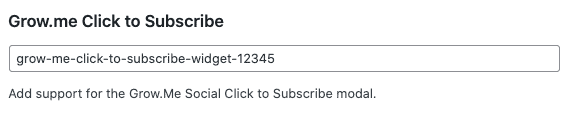
This only appears if the plugin is active.
How do I connect the Subscribe button to a form action? When I check the box, it adds it to my mobile menu, but then I get a 404 error if I click on it and I'm not seeing where I'm supposed to put in the form action link.
You simply create a page with the slug "subscribe" and embed your form into that page.
How do I translate the 'subscribe' button to danish?
This will be available in version 5.6.2, we've added a "Translation" section above.
Perfect! Thank you for a quick response 🙂
How do I connect the subscribe button to a landing page in mailchimp?
Create a 301 from the /subscribe/ page to the Mailchimp landing page.
But we don't recommed this - instead, embed the Mailchimp form directly onto the /subscribe/ page so that readers stay on your site.
Hello 🙂
I'm not sure if this is a common error or not. I created the subscribe page and embedded my ConvertKit form, but when I click on the subscribe button I'm taken to an Index page instead. If you have any recommendations/suggestions on how to fix this, I would greatly appreciate it.
Burney